
2014
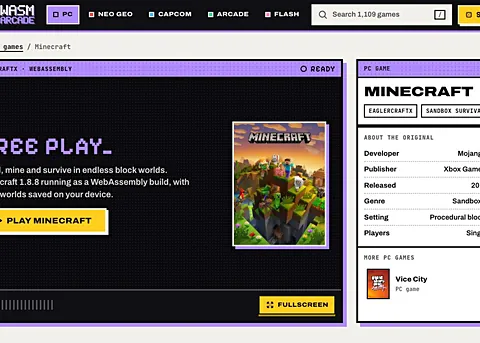
Minecraft 1.8.8 (Eaglercraft)
Browser launch · Opens the third-party project website.
16 catalog entries · Game collection
Browse the catalog's multiplayer entries in one place. There are quick arena games, building projects and classic shooter ports with online features. Each button opens the external provider; accounts, lobbies, matchmaking and servers are managed on that website.

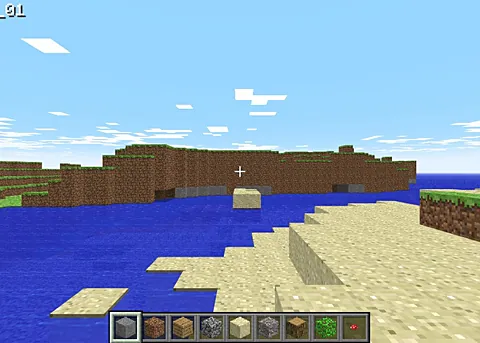

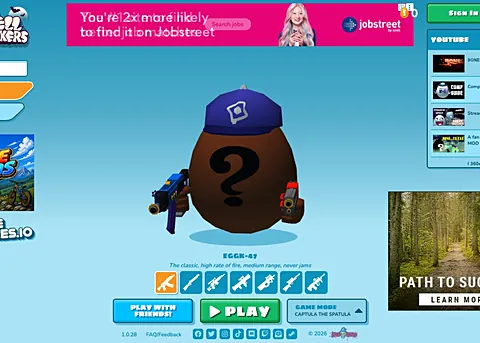
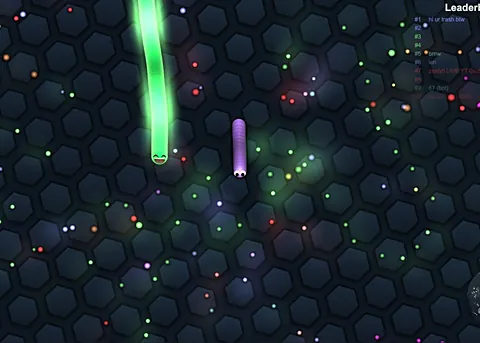
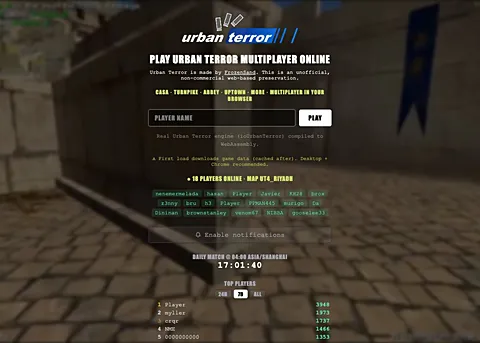
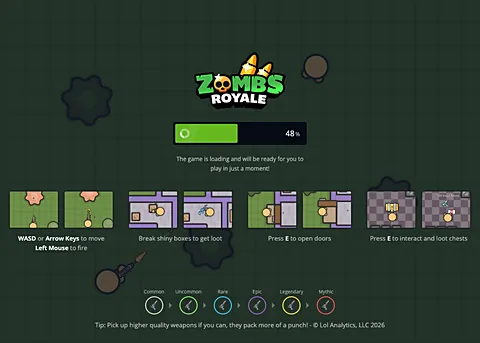
Agar.io and Slither.io are different destinations from first-person projects such as Krunker, Shell Shockers or QuakeWorld. Use the game name and genre below to choose a starting point, then follow the provider's current joining instructions.
Online support in a directory is a selection aid, not proof that a server is currently available or that a friend can join the same room. Check the game's own lobby, invite system and platform requirements. Browsergame does not run a shared matchmaking service for these games.
Browsergame favorites save a selection of catalog titles on your device. They do not create accounts on the games, preserve an external session or synchronize a server list. Sign in only on the provider's own website if its features require an account.
For a poor connection, distinguish latency from low frame rate. Network delays affect online actions; device and graphics limits affect rendering. Check the project's status and your connection before clearing saved data, and export game progress where the provider supports it.
Get specific setup details in the browser game starting guide, GTA5 browser information page or Minecraft Classic browser guide.